Guide
Shopify Billing API 101: How App Subscriptions Actually Work
Learn how Shopify's Billing API powers app subscriptions, usage-based AI credits, and how merchants can avoid billing surprises while maximizing ROI.
Shopify’s Billing API is the silent backbone of the app ecosystem, responsible for processing millions in subscription and usage payments between merchants and app developers every month. Yet, if you’ve ever puzzled over how Shopify apps—especially SaaS platforms and AI-powered tools—handle subscriptions, charges, and credits under the hood, you’re not alone. Understanding how the Billing API works isn’t just technical trivia: it’s essential to budgeting, avoiding unexpected fees, and maximizing return on investment for your store’s app stack.
This guide demystifies the Shopify Billing API from a merchant’s perspective, explaining how app subscriptions function, how usage/credit-based apps operate, and what to watch out for when scaling your operations. You’ll come away ready to make smarter, cost-conscious app decisions—especially for automation tools like AI content generators, SEO analyzers, or data processors.
Why Shopify Handles App Billing (and Not App Developers Directly)
Unlike typical SaaS, where you pay the vendor directly, Shopify apps must use the platform’s Billing API for subscriptions and one-off charges unless offering free tools. This means all charges show up on your Shopify invoice, creating a single point of payment and dispute. It also tightly governs how and when apps can charge you—reducing the risk of shadow charges or off-platform billing schemes.
When you approve an app’s charge—say, $19.99/month for an AI optimization tool—you’re authorizing Shopify (not the app vendor) to pull that amount with your next Shopify billing cycle. For more granular usage (think credits or on-demand API calls), apps create recurring application charges with "usage records" tracked separately.
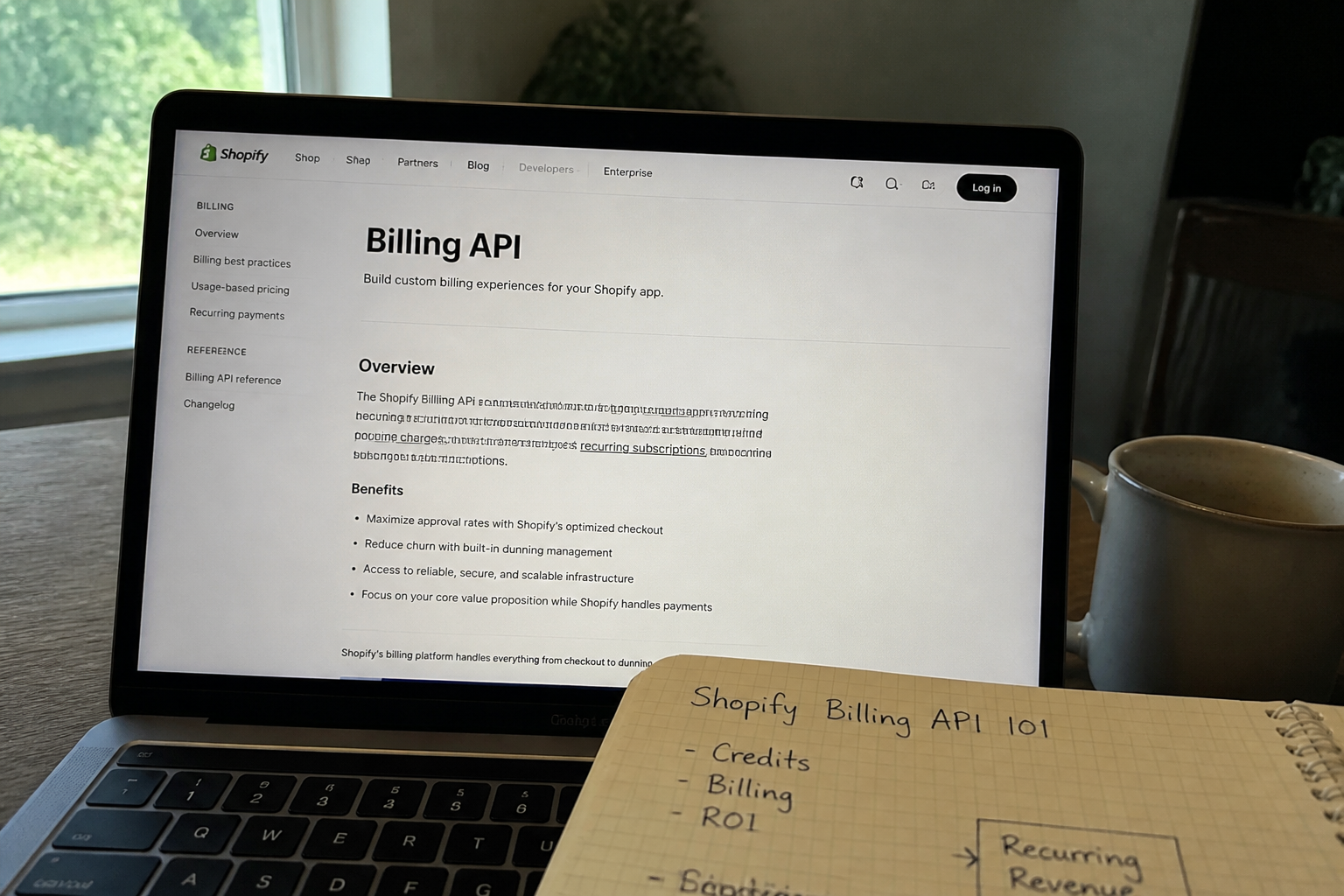
App Subscription vs. Usage-Based (Credit) Models: How It Works Behind the Scenes
Shopify divides app billing primarily into two buckets:
- Recurring app charges: Flat monthly or annual fees, renewed until canceled.
- Usage-based charges: Flexible billing tied to your actual usage (e.g., number of AI requests, processed SKUs, or API calls per month).
Many modern Shopify apps—including AI-driven optimization tools—combine both. For example, you might pay a baseline $29/month fee for platform access, then variable overages billed via "usage records" if you exceed an included credit quota.
Each usage record is submitted to Shopify by the app, not as a real-time charge, but appended to your next Shopify invoice. This means big surges in usage (like mass updating SEO data or batch-generating thousands of AI descriptions) might not show as charges until the next billing cycle—easy to overlook if you’re not monitoring credit consumption in-app.
A Real-World Example: AI Credits in Action
Suppose you’re using an AI optimization app with a plan that includes 10,000 AI credits per month. Generating a single product description costs 1 credit, so if you have a 9,500-SKU catalog, you assume you’re safe—unless you need to regenerate, update, or process variants. Run out of credits mid-month, and the app can either halt usage or trigger overage billing.
If you’re interested in what happens when your AI credits run out mid-catalog, see What Happens When You Run Out of AI Credits Mid-Catalog? for a behind-the-scenes breakdown. Budgeting for these overages (and estimating ROI on large catalogs) is critical; see also Budgeting AI Content Spend Across a 10,000-SKU Store.
Approving App Subscription Charges: What Merchants Actually See
When installing a new app, you’re prompted via a Shopify-generated screen to approve either a standard subscription or a subscription-plus-usage model. The details reveal:
- The fixed monthly or annual fee (if any)
- The per-use cost or credit breakdown
- Any caps (maximum billable limit—apps must disclose this)
Shopify requires apps to set a monthly usage cap. This means you can’t be charged more than this ceiling, no matter how much you use (unless you manually approve a higher cap). If you run into the cap—say, when batch-generating 50,000 product descriptions—you may see a "payment required" prompt or hit a service limit until next cycle. For mission-critical use cases, always know your cap, your rate, and your projected needs.
What Happens at Refunds, Upgrades, or Cancellations?
Shopify’s Billing API handles prorating and refunds with prescribed rules. Upgrading mid-cycle charges you the difference; downgrading or canceling stops future renewals and can (but doesn’t always) refund unused value, depending on the app’s terms. Importantly, apps cannot retroactively "revoke" credits used or demand more if you downgrade before their next charge—the API forbids post-approval surprise charges.
Usage records, once submitted and invoiced, are final. This means it’s wise to monitor your in-app dashboard for credit consumption or overages—don’t just rely on Shopify billing emails to notify you in time.
How to Audit, Dispute, and Optimize Your App Spend
The best way to avoid surprises and improve ROI is to review your app billing details periodically. You can see active subscriptions and usage charges in your Shopify admin under Settings > Billing. For a broad view of credits, ROI, and billing risks across AI and optimization apps, explore our Credits, Billing & ROI hub.
Finally, if you spot a charge that feels wrong, Shopify’s merchant support can adjudicate—since all app billing goes through their system, you’re never negotiating directly with an app vendor about refunds or resolutions.
Key Takeaways for Shopify Merchants
- All app charges—subscriptions and usage—are routed through Shopify invoices, not direct with vendors.
- AI-powered and credit-based apps manage usage via the Billing API, with clear monthly caps you can control.
- Monitor your credit consumption in real time to avoid mid-cycle service interruptions or unexpected bills.
- Upgrading or downgrading plans is seamless, but always confirm how credits and overages are handled to prevent waste.
Understanding how the Shopify Billing API governs subscriptions and usage lets you plan, budget, and scale with confidence—especially as automation and AI multiply your store’s app usage. For more on minimizing repetitive charges in AI-generated copy, check out Why Sibling-Content Context Prevents Repetitive AI-Generated Copy.
Frequently asked questions
How do Shopify apps bill for usage over a monthly subscription?
Many Shopify apps use a hybrid of monthly subscription fees and usage-based (credit) billing. Overages or per-use fees are tracked via Shopify’s Billing API and billed on your next Shopify invoice, not directly by the app developer.
Can an app charge me more than my approved usage cap?
No. Shopify requires apps to set a maximum monthly usage cap, which you approve on installation or upgrade. You will never be billed beyond this limit unless you manually authorize a higher cap.
What should I do if I see an unexpected app charge on my Shopify invoice?
First, check your app’s usage dashboard for overages or credits used. If the charge still seems incorrect, contact Shopify support—they handle all billing disputes directly, not the app developer.
How do upgrades or downgrades affect my subscription charges?
Upgrading will charge you a prorated difference immediately; downgrading or canceling halts future renewals. Credits already used aren’t refunded, but no additional charges can be made after cancellation.
Related reading
Check your own store's AEO score
No login, no email, just a score and what to fix first.